Best eSIM for the 2026 World Cup: USA, Canada & Mexico

The 2026 World Cup is the first to be co-hosted by three countries, the first with 48 teams, and the first to spread 104 matches across 16 cities from Vancouver to Mexico City. For fans, that scale is the whole appeal, and also the connectivity headache. Follow your team through the group stage and into the knockouts and you could easily watch matches in two or three host countries, crossing borders that each have their own carriers and their own roaming traps. The last thing you want between kickoffs is to land somewhere new and discover your data has stopped working.
A travel eSIM solves this cleanly, and for a tournament that spans a continent, one regional plan that covers all three host countries is usually the smartest buy. This guide walks through where the matches are, how much data a match day actually eats, the networks you'll be riding on in each country, and how to set everything up before you fly so your phone just works the moment you land.
TL;DR
For a World Cup trip that touches more than one host country, buy a single North America eSIM that lists the USA, Canada, and Mexico. One install, one balance, and no scramble to reconnect when you fly from a group-stage match in one country to a knockout tie in another.
Budget more data than a normal city break. Between live maps to the stadium, ride-share apps, mobile match tickets, and uploading every goal celebration, a match day can burn 2–3GB on its own. Most fans want a comfortable double-digit GB plan for a one-to-two-week trip, with the option to top up.
Install before you fly and keep your home SIM in for calls and two-factor codes. Your eSIM handles data; your usual number stays reachable for tickets, banking, and the group chat.
One eSIM for all three host countries
The defining feature of this World Cup is that it ignores borders, so your data plan should too. A single North America regional plan covers the USA, Canada, and Mexico under one profile, switches networks automatically when you cross a border, and bills from one balance with no roaming surcharge bolted on. You install it once at home and forget about it for the whole trip.
Compare that to the alternative: buying a separate local eSIM each time you change country, swapping profiles in your settings on the move, and tracking three balances that all expire on different days. That can work, and occasionally it's a little cheaper per country, but during a tournament where you might fly between matches on short notice, the simplicity of one plan is worth a lot. The moment you land for a quarter-final, you want to be checking your route to the stadium, not standing at the gate buying data.
If your trip is genuinely single-country, say you're only in the US for the group stage and the final, a country-specific plan is perfectly fine. But the spirit of a 2026 World Cup trip is movement, and a regional plan is built for exactly that.
Where the matches are: the 16 host cities
Sixteen cities are hosting, spread across three countries and several time zones. The opening match is at the Estadio Azteca in Mexico City on 11 June, and the final is at MetLife Stadium in the New York/New Jersey area on 19 July. Here's the full map of where to expect crowds and where you'll lean on your phone the hardest.
| Country | Host city | Stadium |
|---|---|---|
| USA | Atlanta | Mercedes-Benz Stadium |
| USA | Boston (Foxborough) | Gillette Stadium |
| USA | Dallas (Arlington) | AT&T Stadium |
| USA | Houston | NRG Stadium |
| USA | Kansas City | Arrowhead Stadium |
| USA | Los Angeles (Inglewood) | SoFi Stadium |
| USA | Miami (Miami Gardens) | Hard Rock Stadium |
| USA | New York / New Jersey | MetLife Stadium |
| USA | Philadelphia | Lincoln Financial Field |
| USA | San Francisco Bay Area | Levi's Stadium |
| USA | Seattle | Lumen Field |
| Mexico | Mexico City | Estadio Azteca |
| Mexico | Guadalajara | Estadio Akron |
| Mexico | Monterrey | Estadio BBVA |
| Canada | Toronto | BMO Field |
| Canada | Vancouver | BC Place |
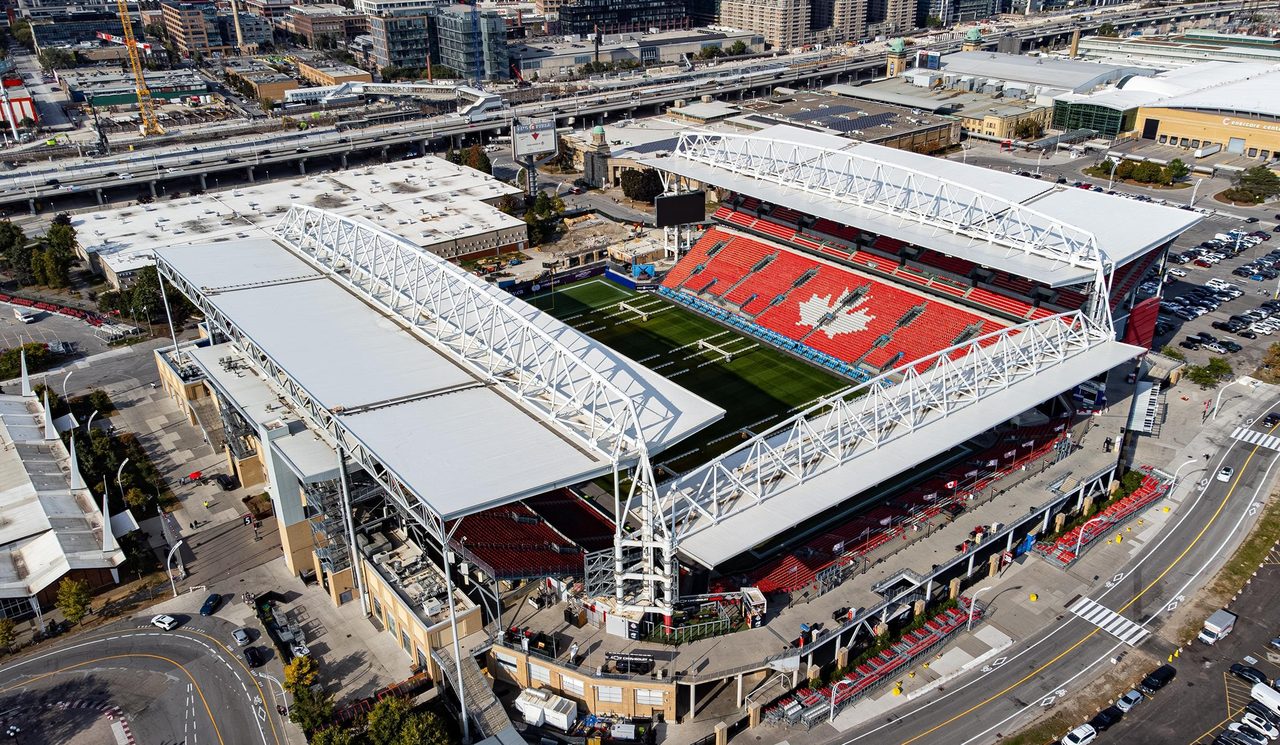
In the host cities themselves, cellular coverage is excellent across all three countries. These are major metros with dense tower networks, so day to day you'll have fast data in the city, at your hotel, and around the fan zones. The signal challenge isn't the city, it's the stadium on match day, where tens of thousands of fans hammer the same towers at once. More on that below.
A quick word on getting between cities, because the geography is bigger than people expect. Vancouver to Mexico City is roughly the length of the continent, and even a "short" pivot like Dallas to Kansas City or Seattle to the Bay Area usually means a flight. Knockout fixtures also send fans across borders at short notice. Every one of those hops is a moment your phone has to find a new network, which is precisely why a plan that already covers all three countries beats juggling separate ones.
How much data you'll need on match day
A World Cup day is data-hungry in a way an ordinary travel day isn't. Walk through a typical one: live navigation to an unfamiliar stadium, a couple of ride-share trips, pulling up your mobile ticket in the app, messaging the group to find your seats, checking other scores at half-time, and then the inevitable flood of photos, clips, and reactions you'll upload before you've even left the car park. Add a video call home after a big win and the gigabytes add up fast.
Rough per-traveler estimates:
- Light (maps, messaging, tickets): around 1GB per day
- Moderate (social, browsing, some clips): 1.5–2GB per day
- Heavy (live streaming, hotspot, uploading video): 3GB or more on a match day
For a one-to-two-week trip taking in several matches, most fans land comfortably in the 10–20GB range, more if you're streaming matches you can't attend or tethering a laptop. You can always top up mid-trip if you run low, so there's no need to massively over-buy upfront, but a tournament is the wrong time to run dry at a stadium turnstile. If you'd rather size it precisely, our guide to how much data you need breaks it down activity by activity.
Coverage in each country: the networks you'll ride on
A travel eSIM is only ever as good as the local network underneath it, so it helps to know who you're actually connecting to in each host country.
United States. Travel eSIMs here ride on AT&T, T-Mobile, or Verizon. For the host cities and stadiums, any of the three is fast and reliable; the differences only show up far from the metros. If your US itinerary stretches beyond the match cities into rural or remote areas, the choice of network starts to matter, and our best eSIM for the USA guide covers that in detail.
Mexico. The three networks are Telcel, AT&T Mexico, and Movistar, and Telcel has the strongest nationwide footprint. In the three host cities, Mexico City, Guadalajara, and Monterrey, all of them perform well, but a Telcel-based plan is the safest pick the moment you venture beyond the metros for sightseeing. Our best eSIM for Mexico guide explains why.
Canada. Coverage in Toronto and Vancouver runs on Rogers, Bell, and Telus, all of which deliver strong, fast service across both host cities. Canadian urban coverage is genuinely excellent, so a quality regional plan will keep you connected at BMO Field and BC Place without fuss. A good North America plan reaches all three of these carriers, so you're covered the instant you cross the border.
The takeaway: in the cities where matches are actually played, all three countries offer strong coverage. What matters most is buying a plan whose listed coverage explicitly includes every country on your itinerary, rather than discovering a US-only eSIM goes dark the second you fly to Toronto or Monterrey.
One regional plan vs. three local eSIMs
This is the central decision for a World Cup trip, so here's the honest trade-off.
A single North America regional plan is the low-stress option. You install it once, it spans all three host countries, it switches networks for you at the border, and you track one balance and one expiry date. For a tournament built around moving between countries, that convenience is hard to overstate, especially when knockout-round travel can come together at the last minute.
Three separate local eSIMs can occasionally be cheaper per country and let you hand-pick the strongest local network in each, for example a Telcel-based plan in Mexico. The cost is admin: more profiles to install, more switching in your settings, and three balances that all run down on different schedules. If you're a single-country fan or you love optimizing, this route is fine. For most travelers following a team across borders, it's more friction than it's worth.
If you want to think through the broader choice between an eSIM, a local physical SIM, and home-carrier roaming, our eSIM vs SIM vs roaming comparison lays out all three.
Pricing: what's fair for a World Cup trip
North American eSIM data is affordable, and the honest way to compare plans is by per-day and per-GB cost rather than the headline price. A regional plan that spans three countries will sit a little above a single-country one, but for a multi-country trip it still works out cheaper than buying three separate plans, and far cheaper than the alternative most people fall into without thinking: switching on their home carrier's roaming.
That's the real cost to beat. Roaming fees during a two-week trip across three countries can quietly outrun a whole tournament's worth of eSIM data in a matter of days, which is exactly the bill shock our guide to avoiding roaming charges is written to prevent. Esim70 keeps the per-day cost visible on every plan card so you can size a 15-day, multi-country plan against your actual itinerary, with all pricing shown upfront and no account required. Prices shift often, so always check the current rate for your exact dates before you buy.
When you compare, size for the whole trip, not a single day. A slightly larger plan with a longer validity window often costs less per day than topping up a small one repeatedly, and it spares you the mid-tournament admin.
Match-day connectivity tips
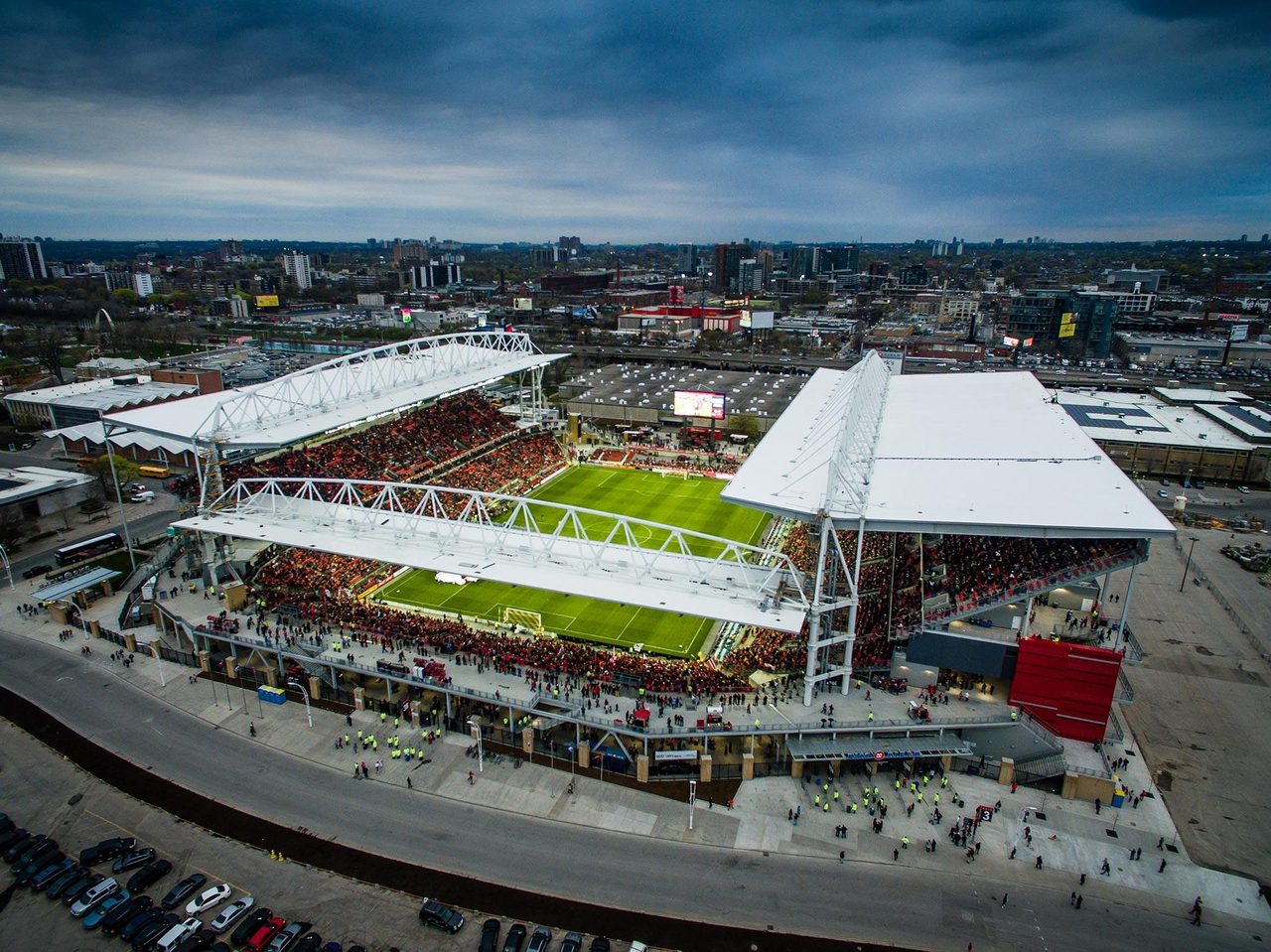
Inside the stadium is the one place your data may genuinely struggle, and no eSIM can fully fix it. When 70,000-plus fans all reach for their phones at kickoff and at every goal, the local cell towers are saturated, and even locals on home plans feel it.
A little preparation goes a long way:
- Download your ticket before you arrive. Save your mobile ticket to your phone's wallet so it loads without a signal at the gate. The turnstile is the worst place to be waiting on a spinning loader.
- Save offline maps. Download the area around the stadium and your hotel in advance so navigation works even when the network is congested.
- Send media later. Capture your clips and photos during the match, but expect uploads to crawl until the crowd thins. Post from outside the bowl or back at the hotel on Wi-Fi.
- Mind your battery. A full day of maps, camera, and a struggling signal drains a phone fast. A power bank is as essential as your ticket.
- Use Wi-Fi when it's solid. Lean on hotel and fan-zone Wi-Fi for big downloads and video calls to preserve your data for when you're on the move.
If your data won't connect at all after you land, it's almost always a settings issue rather than a broken plan. Confirm the eSIM is set as your data line, that data roaming is enabled for it, and toggle airplane mode off and on. Our eSIM not working checklist walks through the rest.
Setting up before you fly
Setup takes about three minutes, and the golden rule is to do it at home on Wi-Fi before you travel:
- Buy your North America plan on the website or app.
- You'll get a QR code by email immediately.
- On your phone, open Settings > Mobile/Cellular > Add eSIM.
- Scan the QR code and label the line something obvious like "World Cup".
- Set it to activate on arrival, so the validity period starts when you land, not when you install.
Installing early costs you nothing, because the clock only starts once the eSIM connects to a local network. Keep your home SIM active alongside it so you still receive calls, texts, and two-factor codes on your usual number, which matters more than usual on a trip full of ticket transfers, banking prompts, and travel bookings. Most travel eSIMs are data-only, so this pairing gives you the best of both. Before you buy anything, it's worth a quick check that your phone supports eSIM, since an unlocked, eSIM-capable handset is the one hard requirement, and the step-by-step in how to install an eSIM covers it screen by screen.
The bottom line
For a tournament that sprawls across three countries and 16 cities, the simplest, cheapest way to stay connected is a single North America eSIM that covers the USA, Canada, and Mexico on one plan. It crosses borders with you, skips the roaming bill, and gets you online the moment you land, exactly what you want when you're chasing matches rather than chasing a signal. Size your data for match-day appetites, install before you fly, and keep your home number in for tickets and codes.
Ready to compare? Browse Esim70's North America plans, with all pricing shown upfront and no account required. New to eSIMs? Start with how to choose the best travel eSIM or the step-by-step install guide.
Frequently asked questions
Can one eSIM cover all three World Cup host countries?
Yes, if you choose a North America regional plan whose coverage lists the USA, Canada, and Mexico. That keeps a single profile and one balance across all three, which is far easier than swapping separate eSIMs every time you cross a border to follow your team.
How much data do I need for a match day?
Budget around 2–3GB for a busy match day once you factor in live maps to the stadium, ride-share apps, your mobile ticket, messaging, and uploading photos and clips. For a one-to-two-week trip taking in several matches, 10–20GB suits most fans, and you can top up if you run low.
Will my eSIM work inside the stadium?
You'll have a signal, but expect it to slow down when tens of thousands of fans use the network at once, especially at kickoff and after goals. Download your ticket and offline maps beforehand, and save big uploads for afterwards. This congestion affects everyone in the stadium, not just travel eSIMs.
Should I buy one regional plan or three local eSIMs?
For most fans crossing borders, one North America regional plan is simpler and usually better value than three separate plans. Three local eSIMs can occasionally be cheaper per country and give you the best local network in each, but they mean more installs, more switching, and three balances to track.
Which network is best for the World Cup?
In the host cities, coverage is strong on every major network across all three countries, so the priority is simply a plan that lists every country you'll visit. The US runs on AT&T, T-Mobile, and Verizon; Mexico on Telcel, AT&T, and Movistar; Canada on Rogers, Bell, and Telus.
Do I get a local phone number with the eSIM?
Most travel eSIMs are data-only, so they don't include a local number. Keep your home SIM active alongside the eSIM to receive calls, texts, and two-factor codes on your usual number, which is useful for ticket transfers and banking during the trip.
When should I install the eSIM?
Install it before you fly, while you still have Wi-Fi at home. The validity period only starts once the eSIM connects to a local network, so there's no downside to setting it up early and choosing to activate on arrival.
Convinced?
Try Esim70 — plans from $1.36/day
150+ countries · Instant delivery · No commitment.
Related articles
 GuidesJun 26, 20269 min read
Canada Travel Requirements in 2026: eTA, Visas & Entry Rules
 GuidesMay 21, 202618 min read
International eSIM Plans: Country, Regional or Global?
 GuidesMay 8, 202611 min read
eSIM Not Working? A Traveler's Troubleshooting Guide (2026)
 GuidesApr 14, 202612 min read
How Much eSIM Data Do You Need for Travel? (2026 Guide)