What Is Stored on a SIM Card?
A SIM card stores your network ID, security key and a few contacts, not photos or apps. See what's on it, how much fits and how to check yours.

Reviewed by Jaseel S
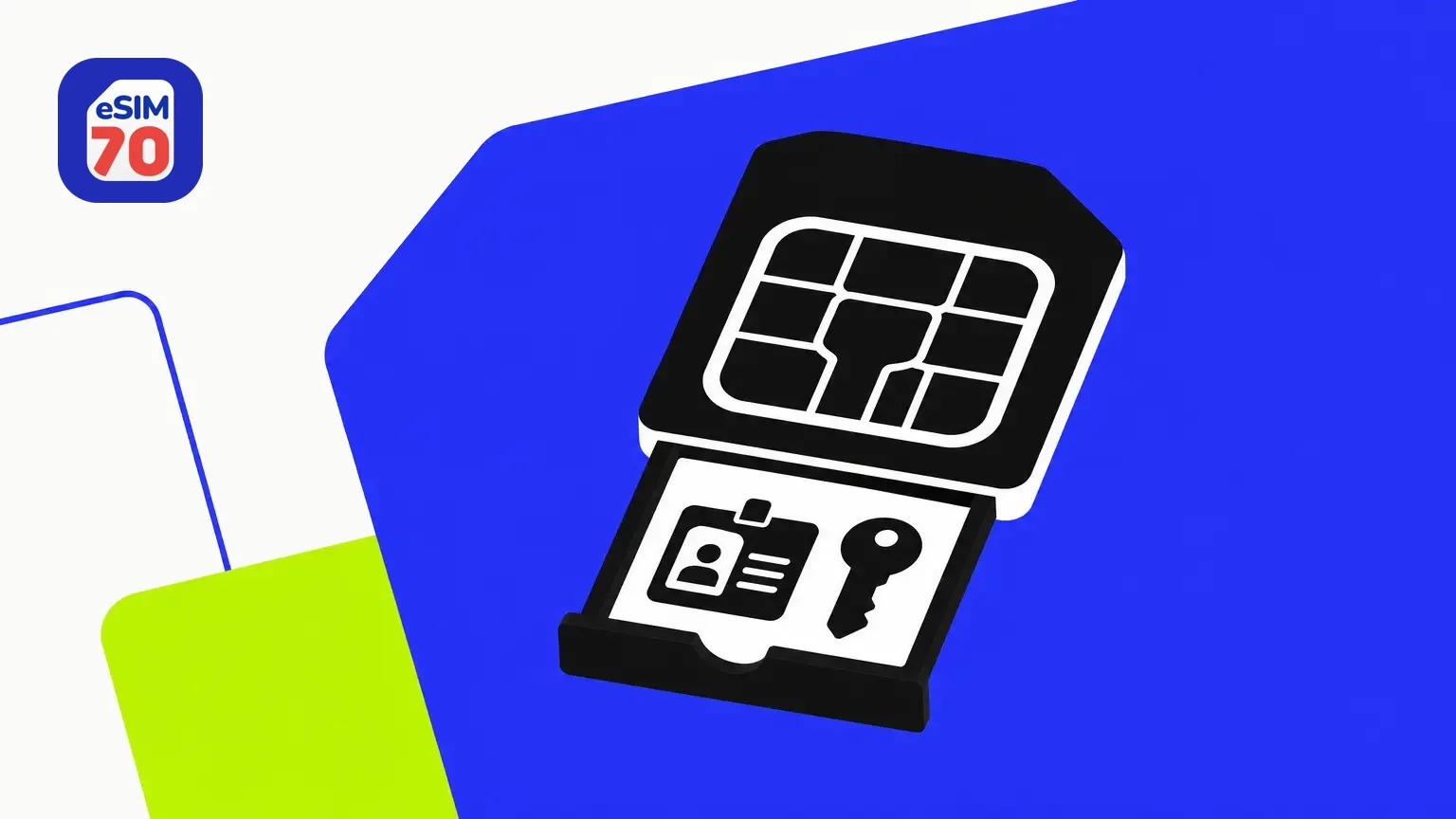
What Is Stored on a SIM Card? (And What Isn't)
A SIM card stores the small set of data that proves to your carrier who you are: your subscriber identity, a secret security key, the card's serial number and some network settings. It can also hold a limited number of contacts and text messages. It doesn't store your photos, apps, passwords or browsing history. Those live on your phone or in your cloud account.
Below is every item a SIM holds, the part most guides get wrong (your phone number), how much actually fits, and where the rest of your data really lives.
What a SIM card stores
Almost everything on a SIM is written by your carrier, not by you, and each item has a role in how a SIM card works: telling the network which line is yours and proving the card is genuine.
| Item | What it's for |
|---|---|
| IMSI (International Mobile Subscriber Identity) | The IMSI identifies a subscriber to the mobile network and determines which operator treats the line as its home network. |
| Authentication key (Ki) | A secret key your carrier assigns to the card. The network uses it to check that the SIM is genuine, and the card is designed so the key can't be read out. |
| ICCID | The ICCID is the unique serial number of a SIM or eSIM profile, typically 19–20 digits starting with 89. |
| Network information | Location data from the network you're on, which updates as you move, plus a list of preferred networks for roaming. |
| Carrier service numbers | The text-message center (SMSC) number your phone needs to send SMS, and service dialing numbers set by the carrier. |
| SIM PIN and PUK | An optional PIN that locks the SIM, and a PUK code that unblocks it after too many wrong PIN attempts. |
| Contacts and texts | A small phone book of name-and-number pairs and a limited number of SMS messages. |
Is your phone number stored on the SIM?
Not in the way most people think. Your phone number belongs to your account with the carrier, and the carrier's records link that number to your SIM's IMSI. That link is why the number follows the SIM when you move it to another phone.
The SIM standard does reserve space for a copy of the number: 3GPP, the body that writes mobile network standards, lists it as the EF MSISDN file in its USIM specification. But that copy isn't what routes calls to you. Your number can change while the IMSI stays the same, and a carrier can link a different number to the same SIM.
This is also why SIM swap fraud targets your carrier account rather than your card. SIM swap fraud is when a criminal gets a carrier to move your number to a SIM or eSIM they control, to intercept calls and verification codes.
Contacts and texts on a SIM card today
Storing contacts on the SIM is a leftover from older phones. They're saved as simple name-and-number pairs, so there's no room for an email address, photo or notes. Early SIMs held as few as 20 contacts and five texts; modern cards can usually store over 250 contacts.
On iPhone
Apple's support guide states plainly that "Your iPhone doesn't store contacts on the SIM card." It can still read contacts that an older phone saved there and copy them into your Contacts app:
Insert the SIM card that has your contacts on it.
Open Settings, tap Apps, then tap Contacts.
Tap Import SIM Contacts. If asked, choose where to save them.
When the import finishes, open the Contacts app and check they're there.
Apple notes that what gets imported depends on how your previous phone stored the contacts on the SIM, so some details may be missing.
On Android
Android phones usually save new contacts to your Google account or to the phone itself, not to the SIM. Most Contacts apps can still import contacts from a SIM: open the Contacts app's settings, look for an Import option and choose the SIM card. Menu names vary by phone brand and Android version.
How much data can a SIM card hold?
Very little. SIM cards come in capacities from about 8 KB to at least 256 KB. A single photo from a modern phone is often several megabytes, which is many times more than an entire SIM can hold.
The size of the card doesn't change this. Standard, micro and nano SIMs use the same chip, and smaller formats simply trim away more of the plastic.
You'll see different figures quoted online, from 4 KB to 512 KB. Treat any exact number as typical rather than guaranteed: capacity depends on the specific card your carrier issued.
What a SIM card never stores
Photos, videos and music
Apps and app data, including chats in WhatsApp, iMessage or other messaging apps
Passwords, including Wi-Fi passwords
Browsing history
Call history and emails
These live in your phone's storage, a memory card or your cloud backups. Given how small a SIM's memory is, most of them couldn't fit on one anyway.
Where your data actually lives
The easiest way to understand a SIM is to see what goes with it when it moves to another phone and what stays behind.
| Data | Where it's stored | Moves with the SIM? |
|---|---|---|
| IMSI, Ki, ICCID and network settings | SIM card | Yes |
| Phone number | Carrier's records, linked to the SIM | Yes |
| Contacts and texts saved to the SIM | SIM card | Yes |
| Contacts saved to the phone, Google or iCloud | Phone or your cloud account | No |
| Photos, videos and files | Phone storage, memory card or cloud | No |
| Apps, chats and passwords | Phone and app or cloud accounts | No |
So when you put your SIM in another phone, your line goes with it: calls, texts and mobile data. Everything else stays on the old phone.
What an eSIM stores instead
An eSIM (embedded SIM) is a SIM chip built into a device that downloads and stores mobile plans digitally, so you can add a plan without inserting a physical SIM card. Each downloaded plan is a profile. According to eSIM security company Kigen, a profile carries the same kind of identity a physical SIM does: the ICCID, IMSI and Ki, network settings such as the APN and preferred networks, and roaming rules.
This is exactly how a travel eSIM from eSIM70 works: you download a plan for your destination, and its profile carries everything the network needs to let you connect, with no card to collect or swap.
The difference is the container, not the contents. A phone can hold more than one eSIM profile on the same chip, and because the chip can't be removed, a thief can't pull your line out of a stolen phone and use it elsewhere. That's one of the security trade-offs of eSIM vs SIM, alongside differences in setup and switching phones.
A newer design, the integrated SIM (iSIM), moves the same job into a device's main processor.
How to check what's on your SIM
On iPhone
Go to Settings > General > About and scroll down. According to Apple, you'll find the ICCID there, along with the EID if your iPhone uses eSIM. Each eSIM plan also appears as its own line in Settings > Cellular, the same place you finish when you add an eSIM to your iPhone.
On Android
Go to Settings > About phone. Many phones show SIM details there, such as the phone number and network, sometimes under a SIM status entry. The exact wording depends on the brand. Any eSIM plans are listed in the phone's SIM settings next to your physical SIM, which is also where you start when you install an eSIM on Android.
Phone settings only show a few identifiers. A SIM card reader can show more of the card's files, but not the Ki: the card is designed so that key can't be read out.
Frequently asked questions
Does a SIM card store data?
Yes, but only a little: your network identity, a security key, carrier settings and a limited number of contacts and texts. It doesn't store photos or files, and the internet data you use passes through the network rather than being saved on the card.
Are text messages stored on a SIM card?
Not on most modern phones. A SIM has room for a small number of SMS messages, but current iPhones and Android phones keep your messages in the phone's messaging app and, if you use them, cloud backups.
Are passwords stored on a SIM card?
No. Passwords, including Wi-Fi passwords, are stored on your phone or in a password manager or cloud account, never on the SIM.
How many contacts can a SIM card hold?
Usually 250 or more on modern SIM cards. Early SIMs held as few as 20. Each entry is only a name and a number.
Can someone use my SIM card if they steal it?
Yes, unless you've set a SIM PIN. Without one, a thief can put your SIM in another phone and make calls, send texts and receive verification codes on your number. With a SIM PIN, the card stays locked until the correct code is entered. The card is also designed to keep its secret Ki key from being read out, so it can't simply be copied.
Does an eSIM store the same information as a SIM card?
Yes, for your network identity. An eSIM profile holds the same kind of data, including the ICCID, IMSI, Ki and network settings. Modern phones don't keep contacts or texts on it.
Does a SIM card store call history?
No. Your call history is stored by the phone's Phone app and, on some phones, in a cloud backup.
Contributors
Muhammed Ajmal is an SEO content strategist at Lascade, the app studio behind eSIM70. He writes guides that help travelers understand eSIMs, roaming and mobile data before they travel, turning research and statistics into practical steps.
Reviewed by

Jaseel S is the CEO and founder of Lascade. He leads a team of over 40 engineers, designers, and creatives dedicated to building consumer mobile applications that turn screen time into meaningful experiences.